1. Sign in to your (the student’s) myRedDragon account. For assistance with signing in, select one of the help links. 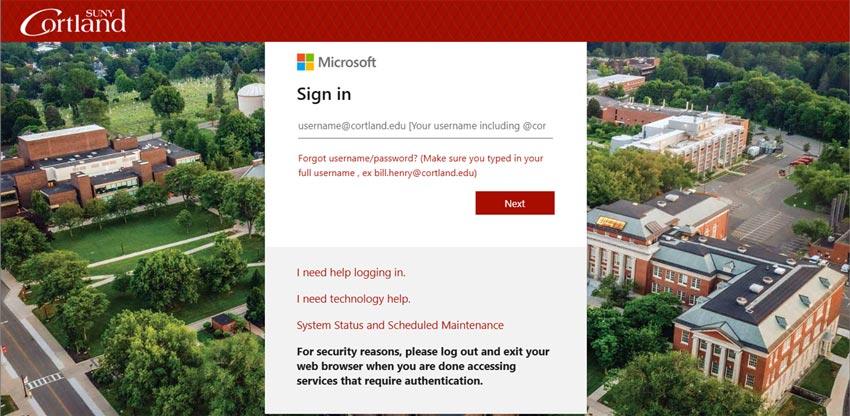
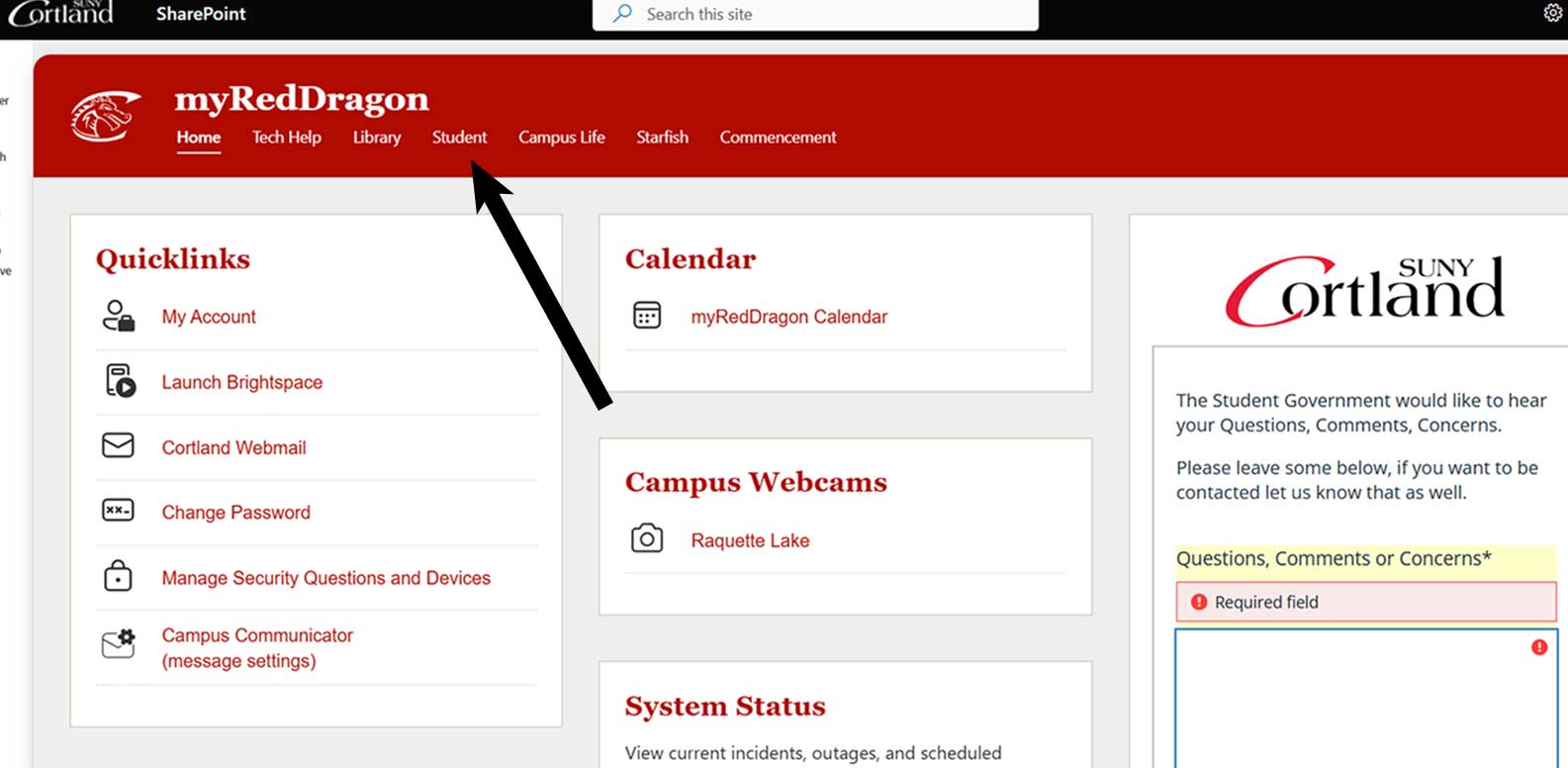
2. Select the Student tab. Your homepage may look slightly different.
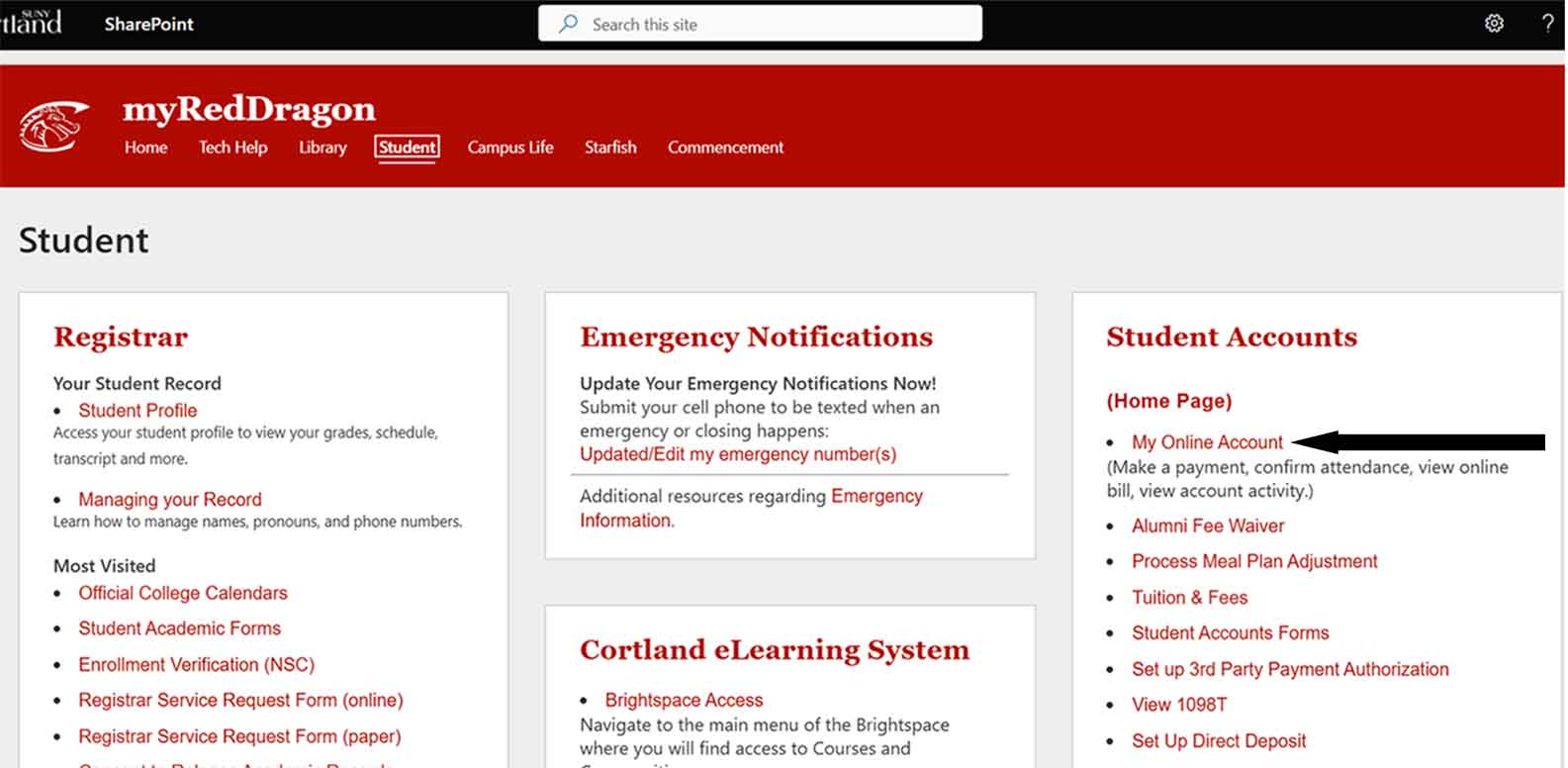
3. Select “My Online Account." Your Student tab may look slightly different.
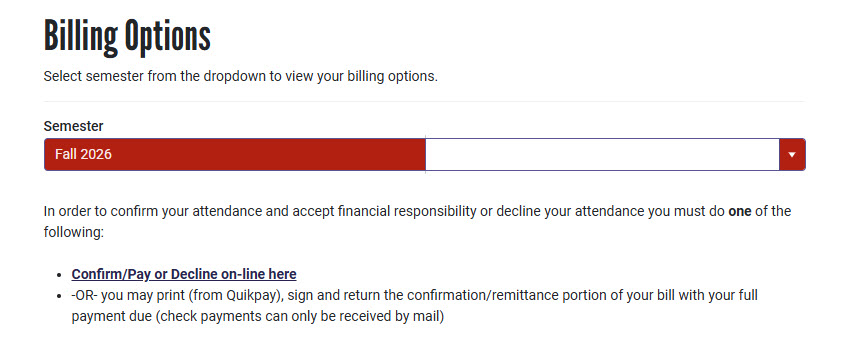
4. Select the relevant term from the list(s) and then click "Confirm/Pay or Decline on-line":
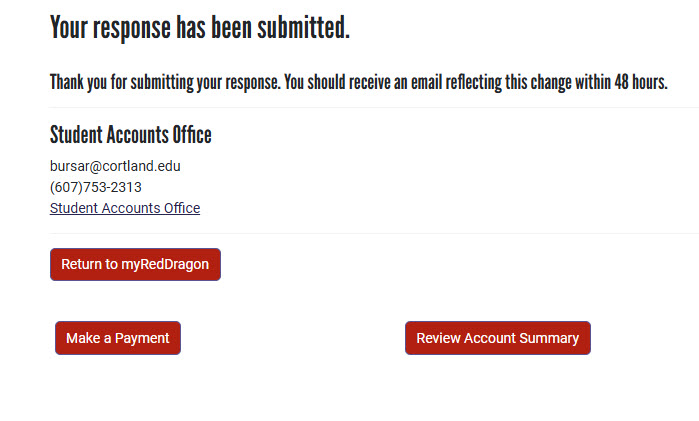
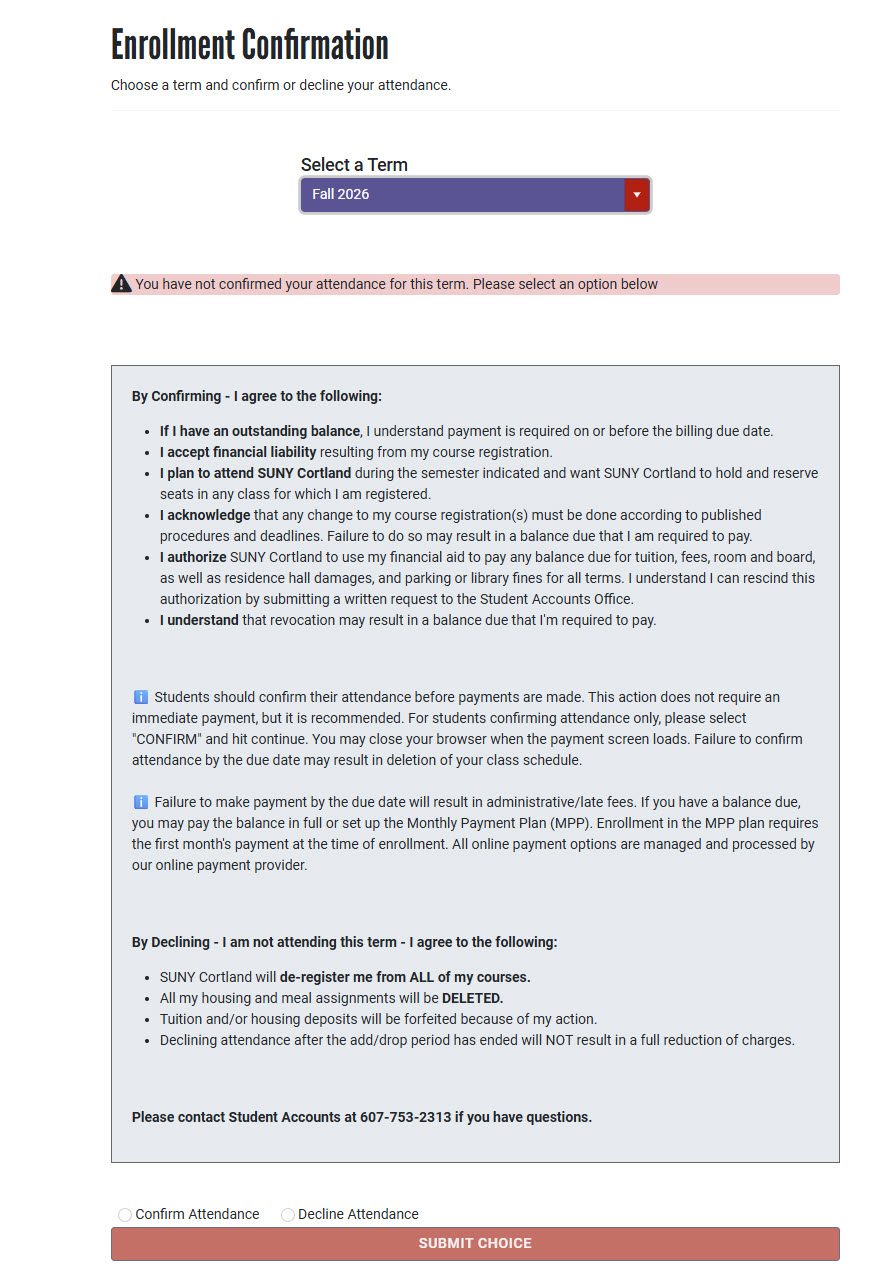
5. Review the verbiage, Select “Confirm Attendance" or "Decline Attendance" near bottom of page. Click “Submit Choice"
6. The online payment process will recognize you do not currently have a balance due and will not require payment. Your schedule for the semester has now been saved.