1. Sign in to your (the student’s) myRedDragon account. For assistance with signing in, select one of the help links. 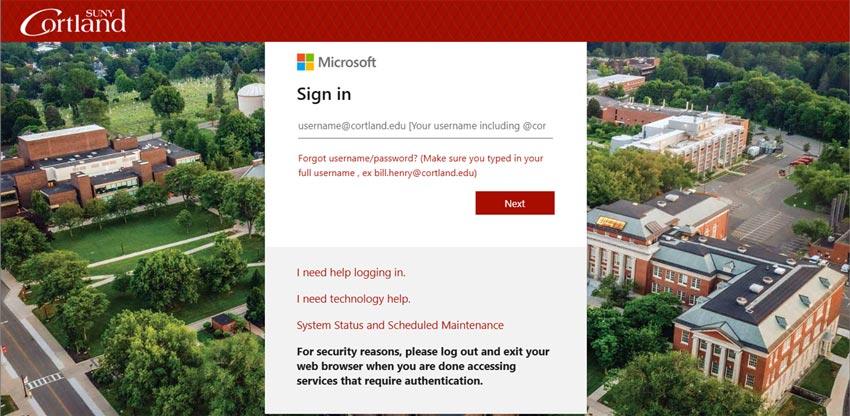
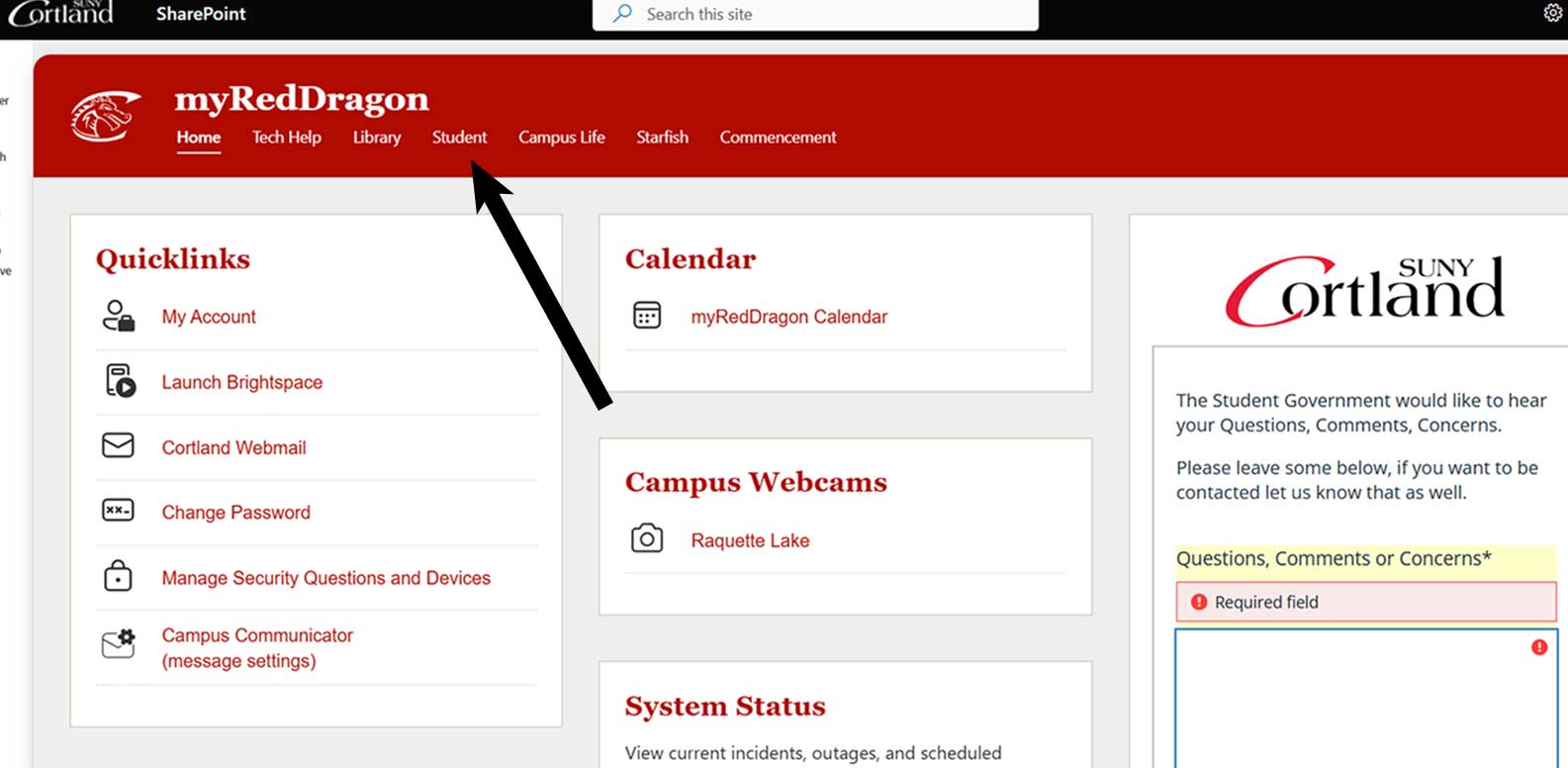
2. Select the Student tab. Your homepage may look slightly different.
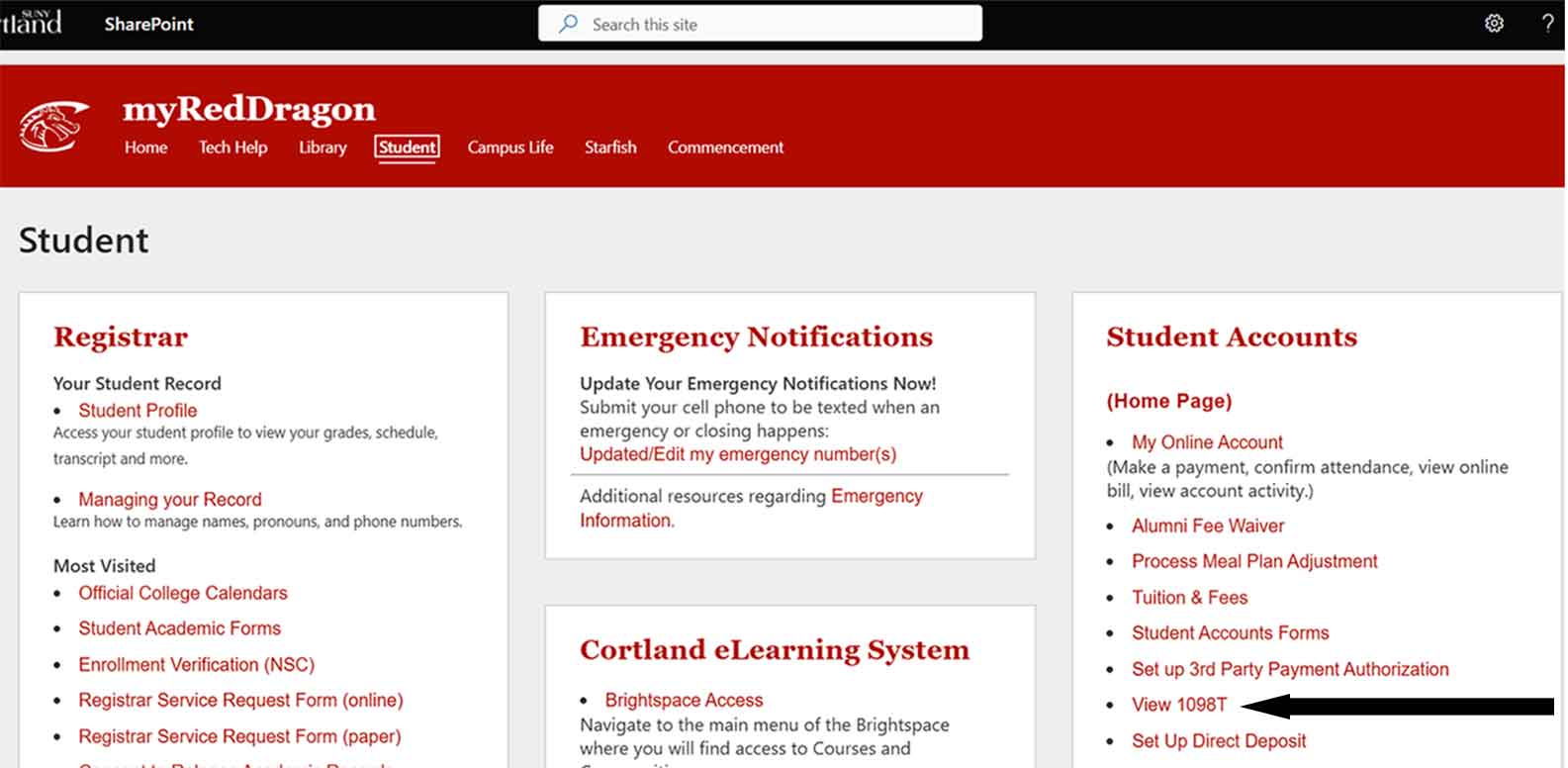
3. Select “View 1098-T.”
4. Select the relevant tax year from the list.