For purchases that are not available through catalogs:
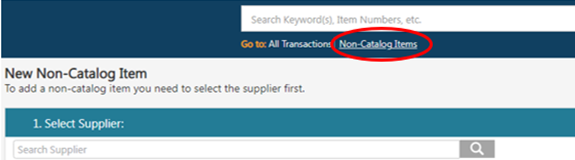
- Use the Non-Catalog Items option in Red Dragon Depot
- Search for the vendor in the vendor directory and create a purchase order
- RDD Non-Catalog Items
Helpful Notes
- Refer to the user manual for step-by-step instructions
- If a vendor is not listed in the system:
- Submit a completed W-9 form
- Request vendor setup by emailing [email protected] and [email protected].
Additional Resource